
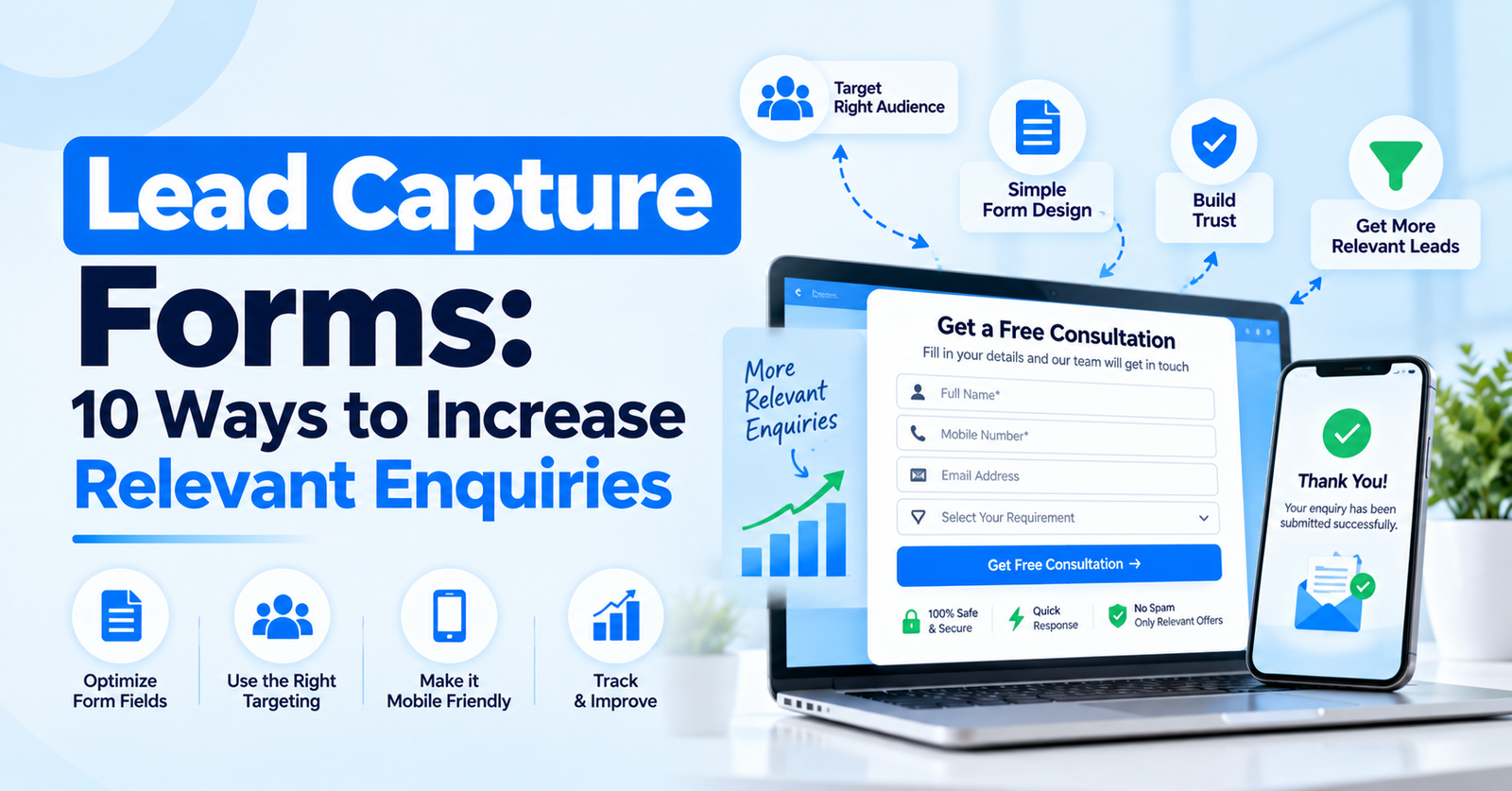
Introduction
A lead form is often the final step between a website visitor and a sales enquiry. Small usability problems can reduce completion rates, while poorly designed questions can produce incomplete or low-value submissions.
Use a Clear Value Proposition
Visitors should understand what they receive after submitting the form. The headline and supporting text can explain whether they will receive a callback, quotation, consultation, brochure or other useful response.
Ask Only Useful Questions
Every field should have a purpose. Name and contact information may be enough for the first interaction, while location, requirement or budget can be added when those details genuinely help route or qualify the enquiry.
Add Qualification Carefully
Qualification questions should be simple and relevant. Multiple-choice fields are often easier to complete than long text boxes and can provide structured information for sales teams.
Use Strong CTA Copy
The call-to-action should describe the next step rather than using vague wording. Examples include Request a Callback, Get a Quote or Book a Consultation, depending on the offer.
Build Trust Around the Form
Trust signals can include business information, privacy messaging, customer evidence and a clear explanation of what happens after submission. Forms should also work well on mobile devices.
Test and Improve
Test one meaningful change at a time and compare completion rate with qualified-lead rate. The goal is not maximum form submissions; it is a healthy balance between conversion and lead quality.
Conclusion
A strong lead form removes uncertainty, reduces unnecessary effort and collects the information needed for the next sales step.